In my previous post, I showed you how to build an website from scratch with PHP and MySQL. Now, I will start to build my forum using phpBB3. phpBB is completely free flat-forum bulletin board software that you offers a great complement of features instead of paying software.
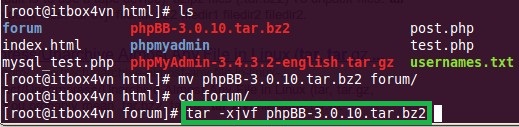
Step 1. download and extract phpBB3 to your website directory
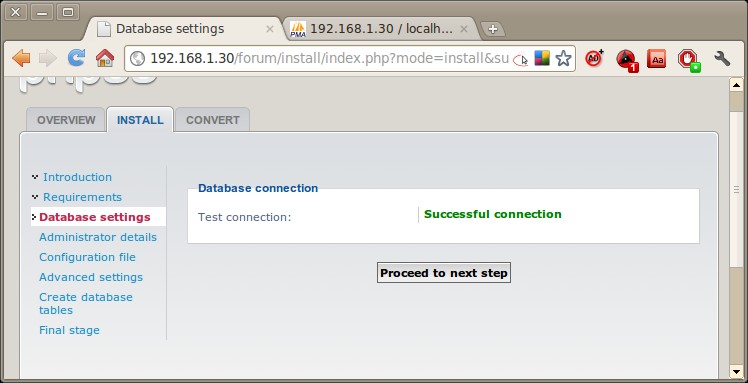
Step 2. start to install phpBB

Remember to apply permission for config.php file (644 or 640) by using chmod command.

You need to create a database named phpBB in your database first. In this case I use username root. However, I don't advice you to do that. Let's create another account!



In the final step, let's delete your install directory by using FTP, SSH protocol or directly in your server.

From now, you did have a forum using phpBB. I'll make more posts about phpBB to help you compile or modify your forum.
Have fun!